Richard Mendes
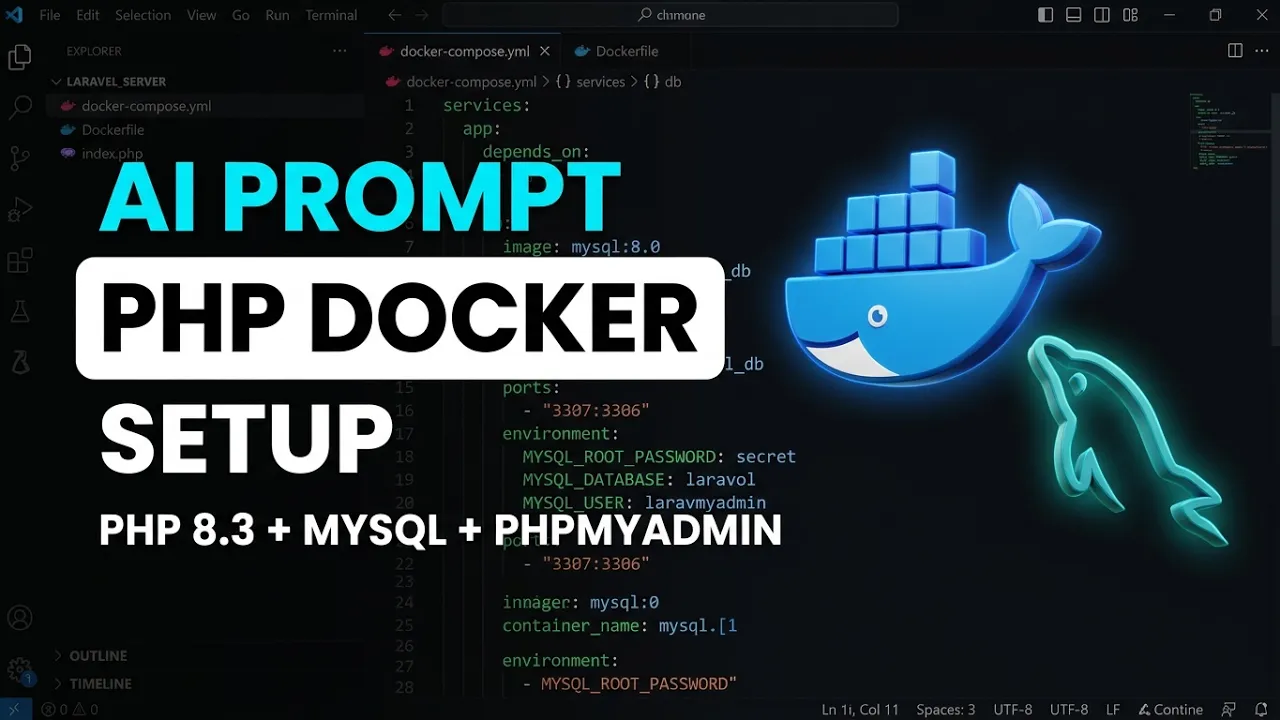
August 18, 2026 • 5 minsHow to Build a PHP 8.3 & MySQL Docker Environment Using AI
Complete Docker Development Setup for PHP with AI Coding Agents
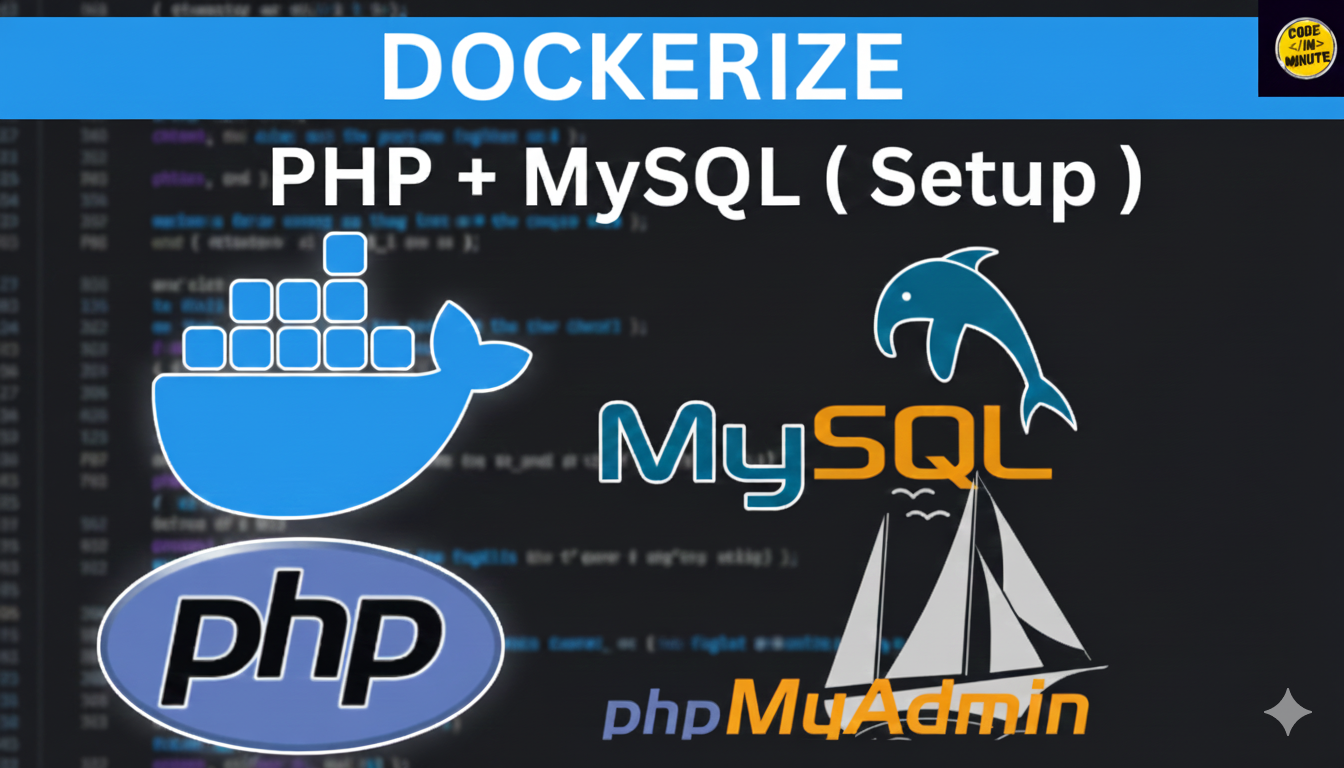
# Docker Setup Guide – Laravel Server (PHP 8.3 + MySQL + phpMyAdmin)
## Prerequisites
- Docker Desktop installed and running
- This folder contains: Dockerfile, docker-compose.yml, index.php
## 1. Start the stack
docker compose up -d --build
## 2. Verify
- App: http://localhost:8080 (serves index.php / your Laravel app)
- phpMyAdmin: http://localhost:8081 (user: laravel / password: secret)
- MySQL: localost:3307 (user: laravel / pass: secret / db: laravel)
## 3. Useful commands
docker compose ps # check running containers
docker compose logs -f app # follow app logs
docker compose down # stop (keeps database data)
docker compose down -v # stop AND delete database data
docker exec -it laravel_app bash # shell inside the app container
## 4. Notes
- Your project folder is live-mounted at /var/www/html – edit files on Windows, they appear instantly.
- Composer is already installed: docker exec laravel_app composer install
- The Apache image's default vhost serves /var/www/html directly (no extra config needed).
- When ready for Laravel, run inside the container:
docker exec -it laravel_app bash
composer create-project laravel/laravel . --prefer-dist
(Then point Apache's DocumentRoot to /public if needed.)
Common gotchas: if port 8080/8081/3307 is busy, change the left side of the ports mapping; if you see a 404, make sure your index.php is at the project root (DocumentRoot is /var/www/html).